High-value resource alerts
Plays a sound when resources match your filters and marks their locations and routes.
Albion radar and gathering assistant
See nearby resources and players, set audio alerts, and use auto gathering and fishing. Available on Windows and Android; check each edition for supported features.
Core features
Plays a sound when resources match your filters and marks their locations and routes.
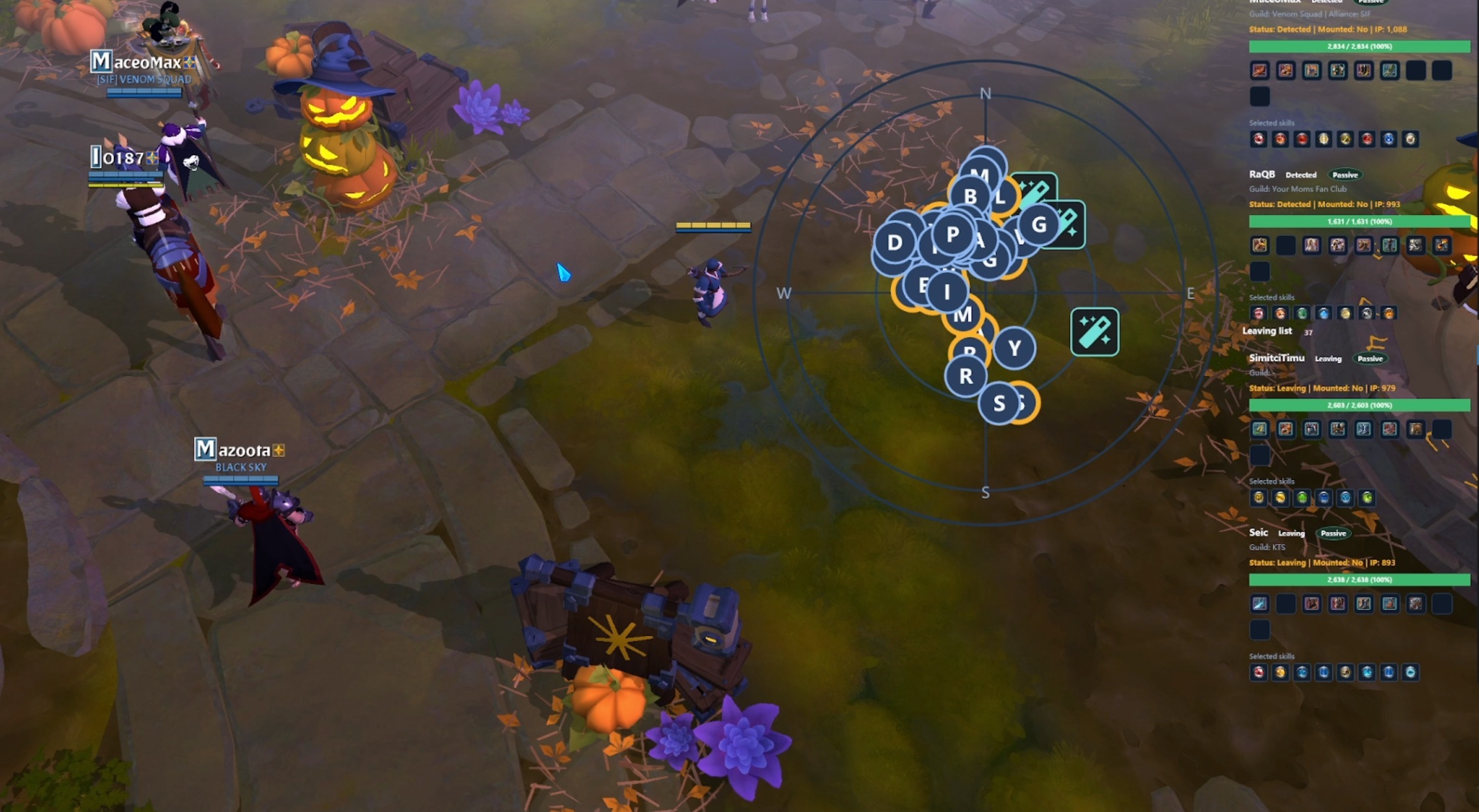
Sounds an alert when another player approaches in a black zone, and shows their location, gear, mount, mounted status, gear skills and combat status.
Filter by resource type, tier and enchantment to show only what you are looking for.
Set different sounds for resources so you do not have to check the radar as often.
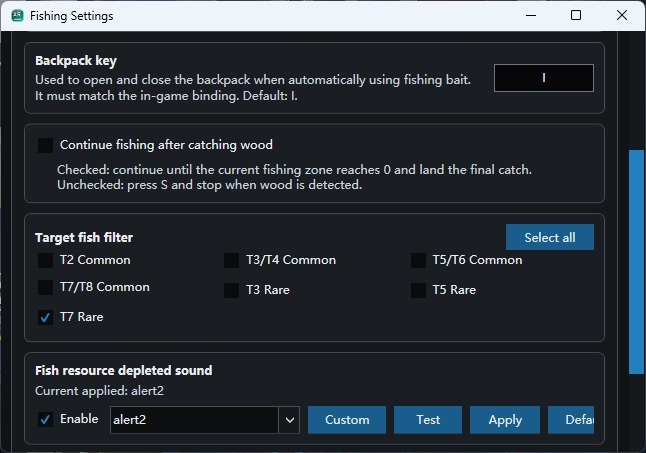
Casts and reels automatically. Catch everything or filter fish by tier and rarity.
Travels to your selected map and gathers within the chosen area. It can deposit items in the bank, eat food and use bait automatically.
Live demo
Watch the interface, resource markers and audio alerts in use.
AR TOOL
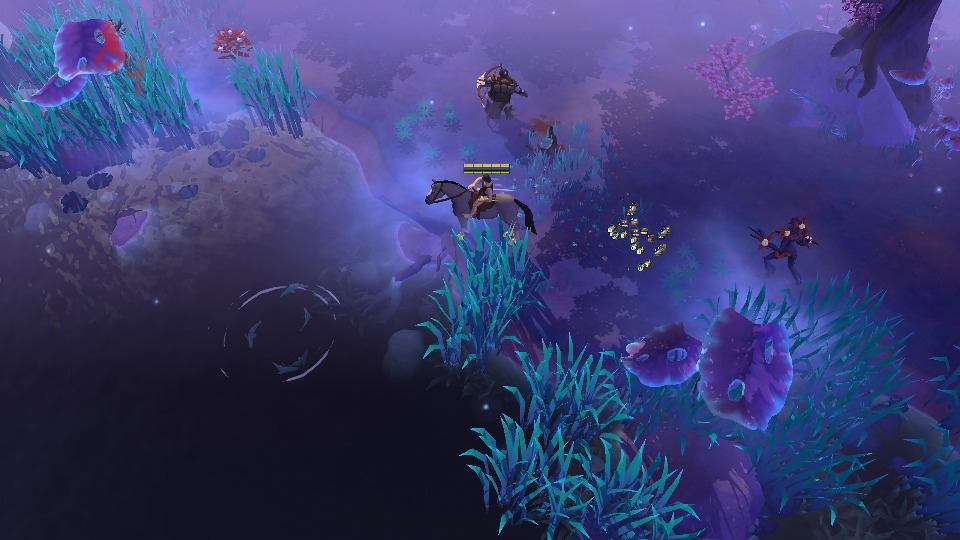
Real screenshots of the interface and features at work.
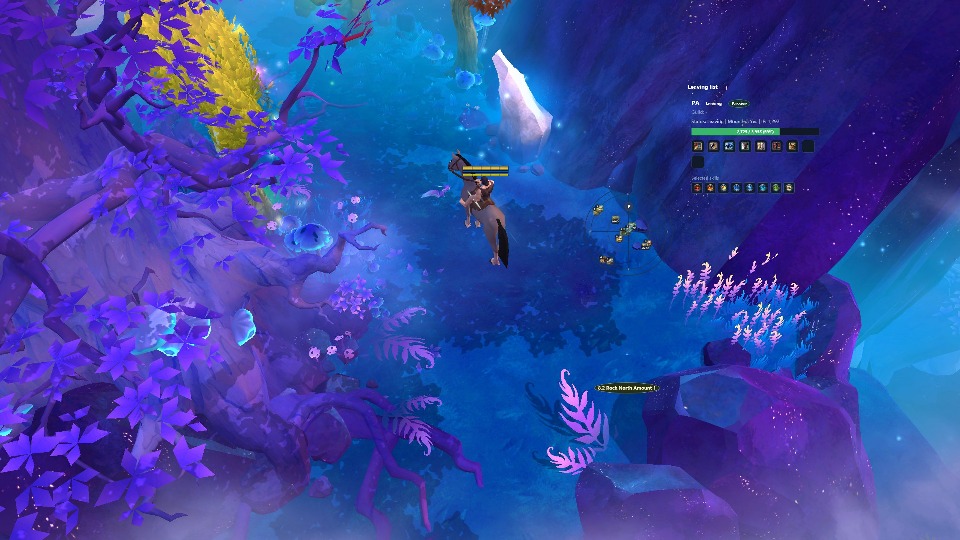
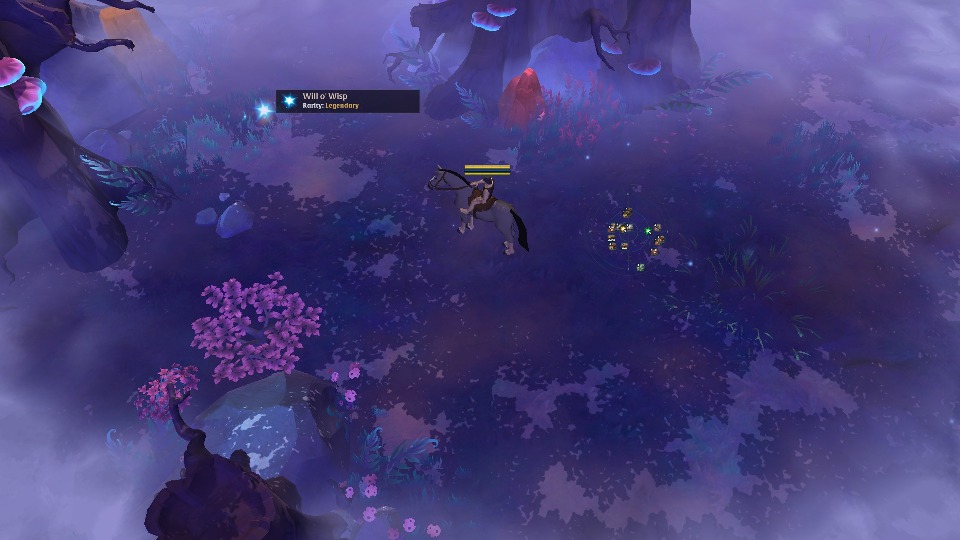
Detect nearby resources and filter by type, tier and enchantment level to focus on the nodes you want to gather.
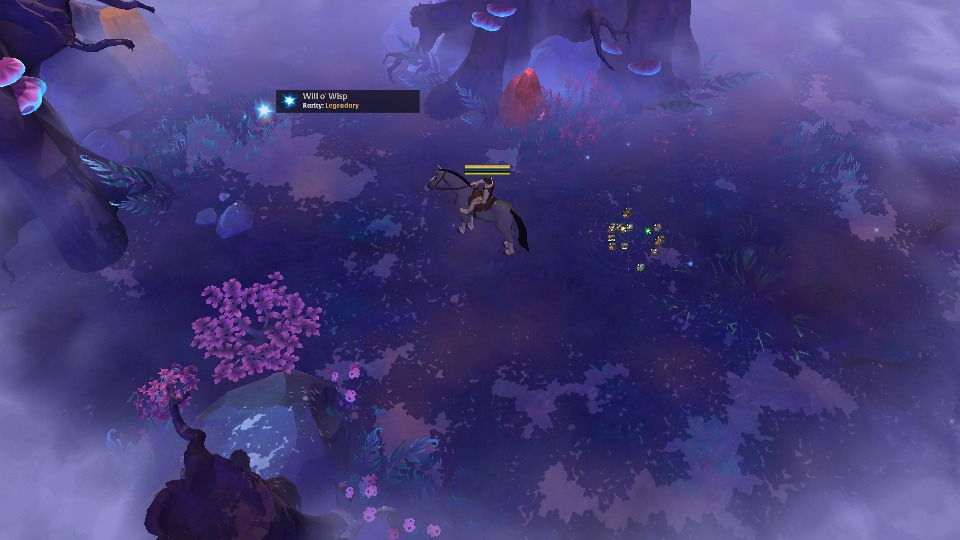
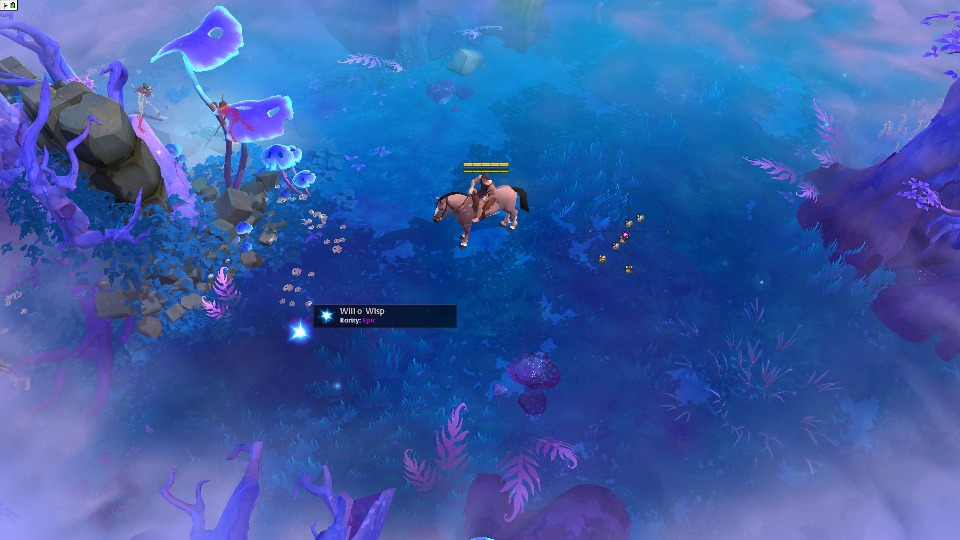

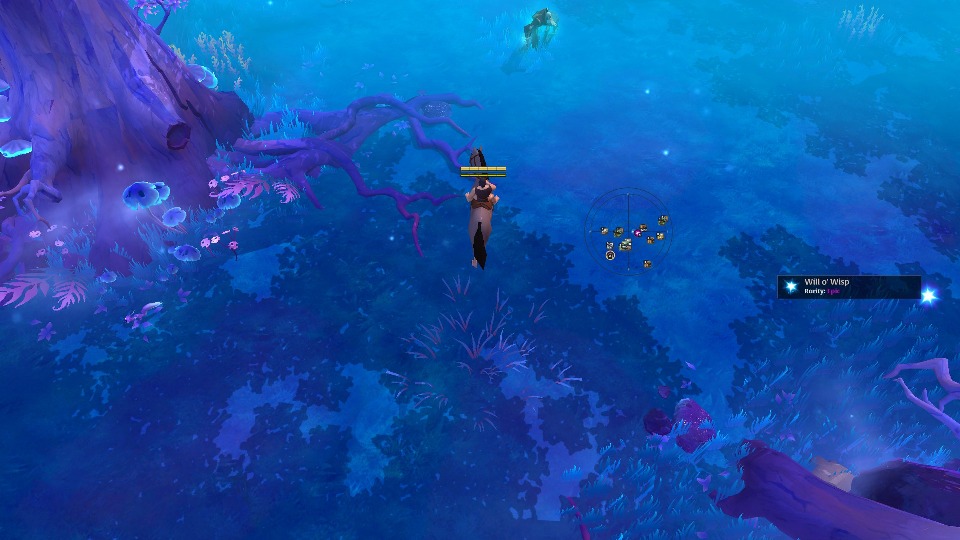
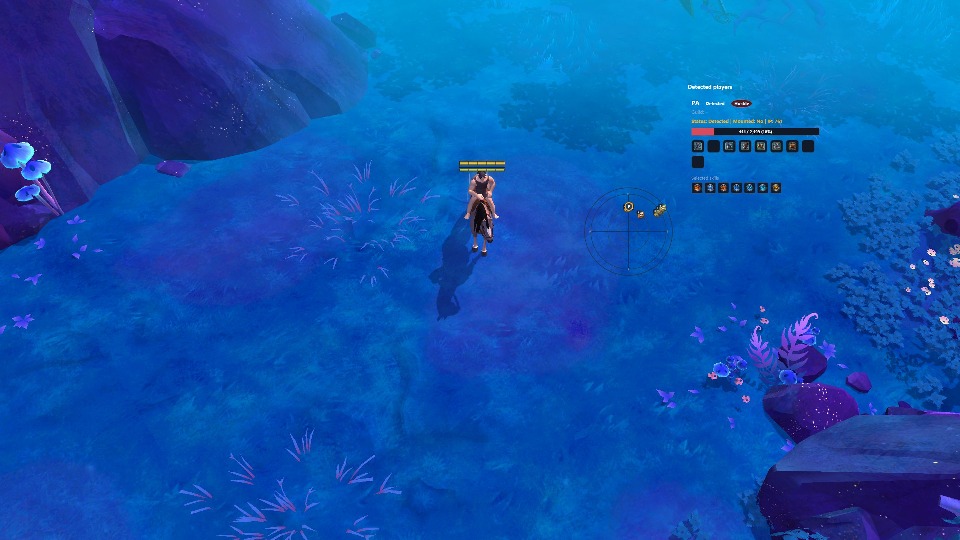
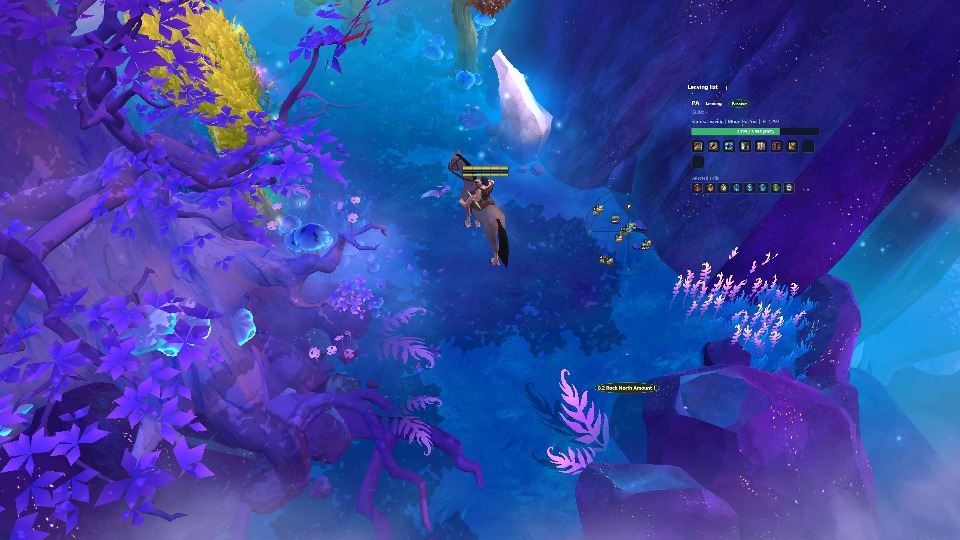

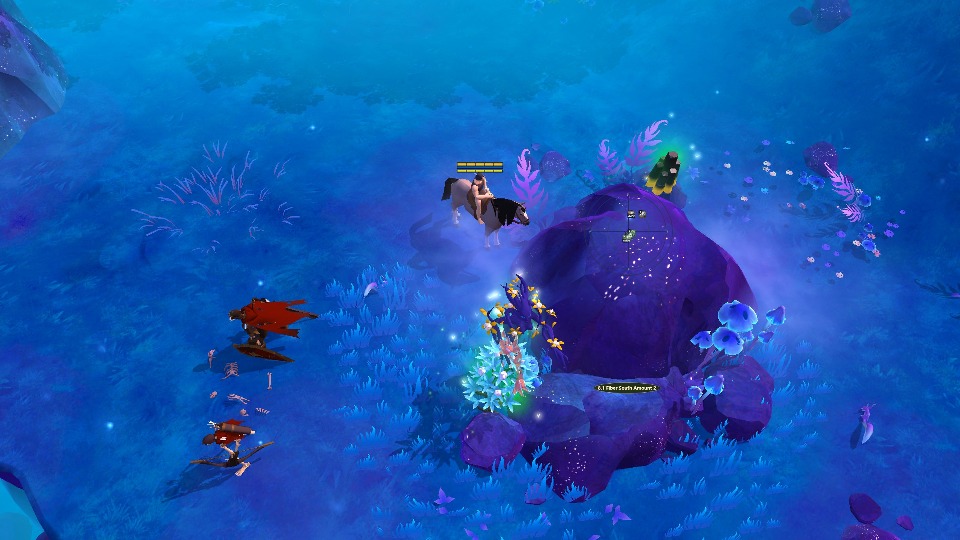
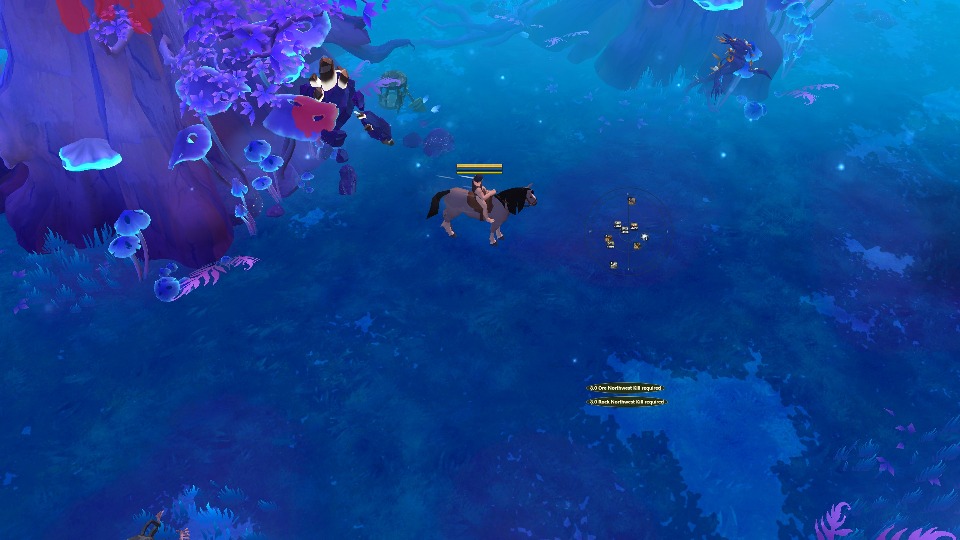
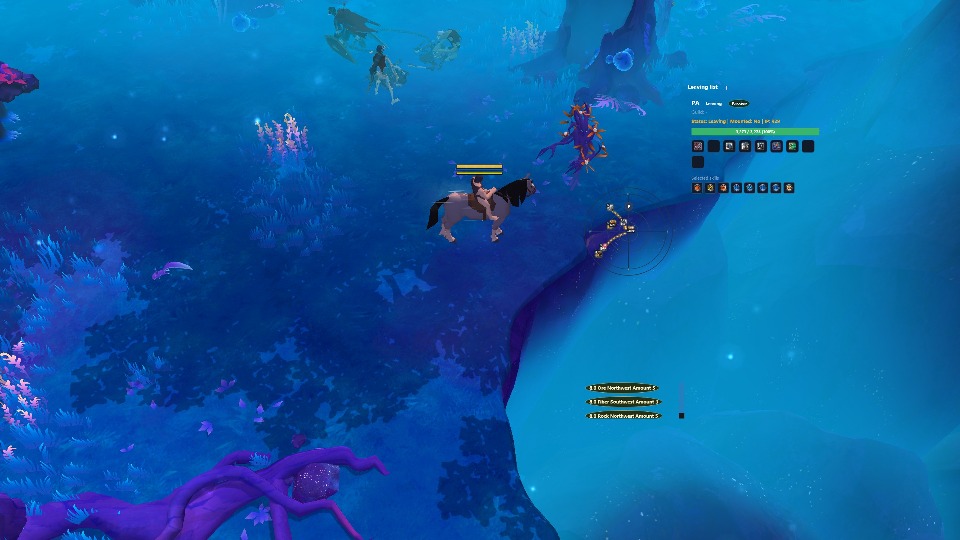

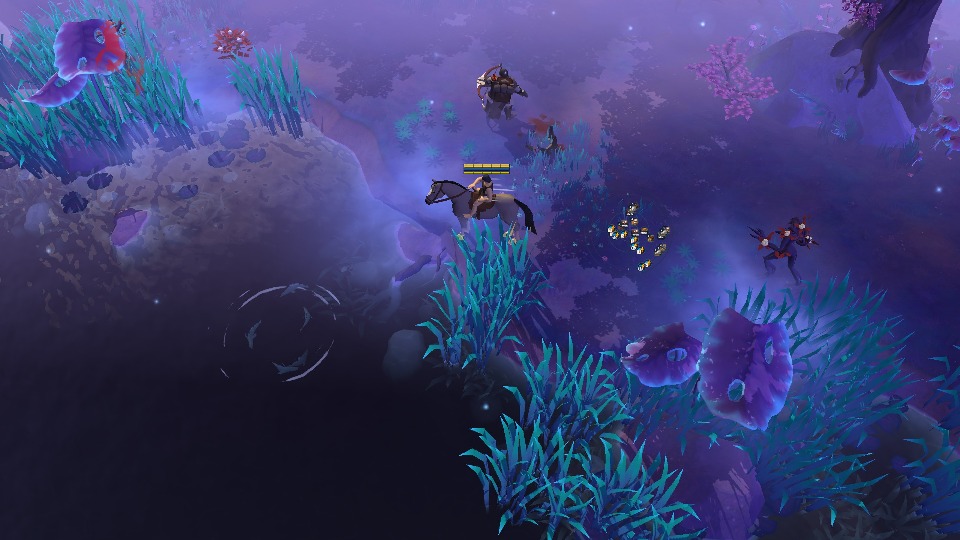
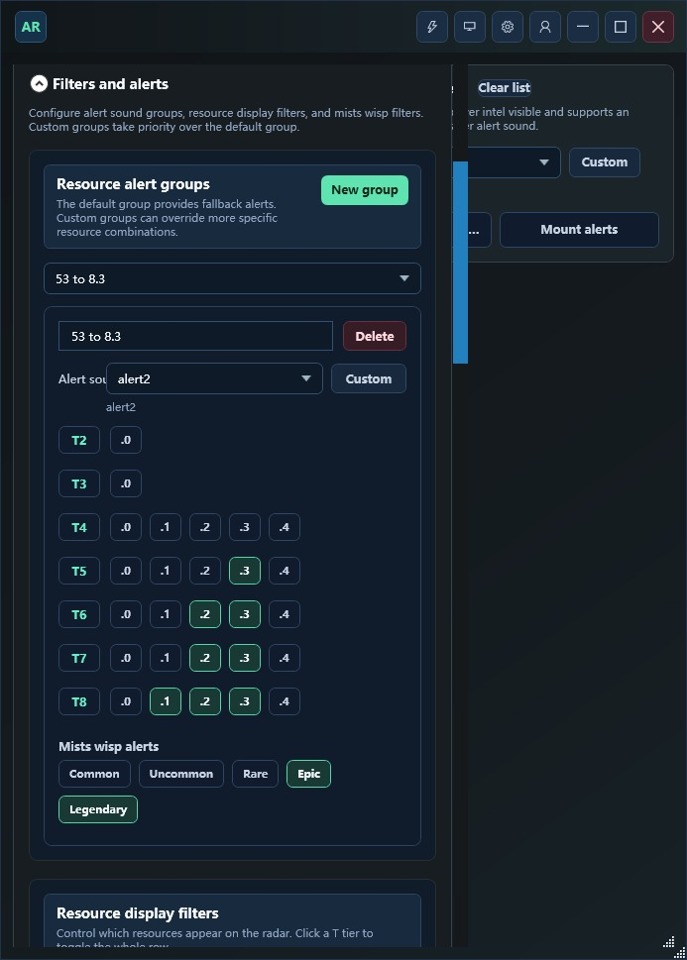
Highlight high-tier and highly enchanted resources, with voice alerts that help you spot valuable nodes without constantly watching the screen.
Show nearby players' positions, equipment, equipment skills, combat status, and mount status.
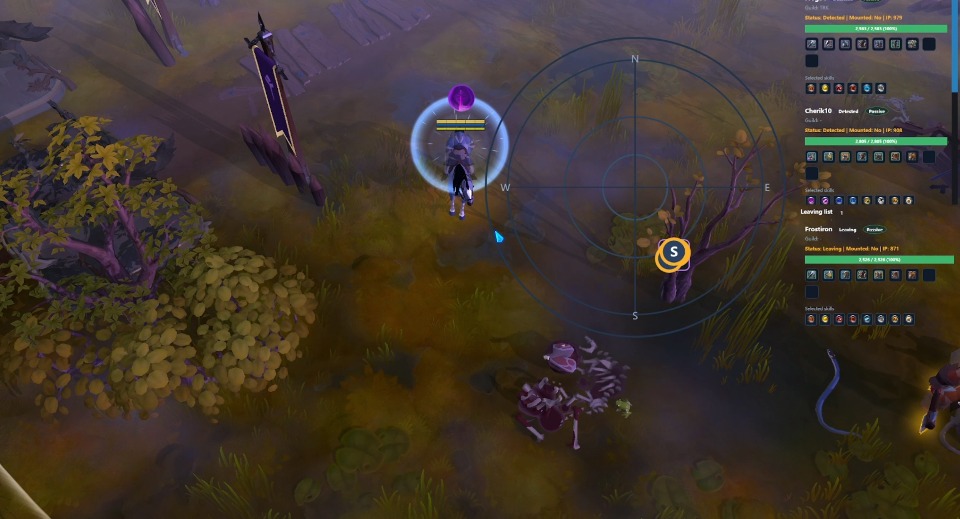
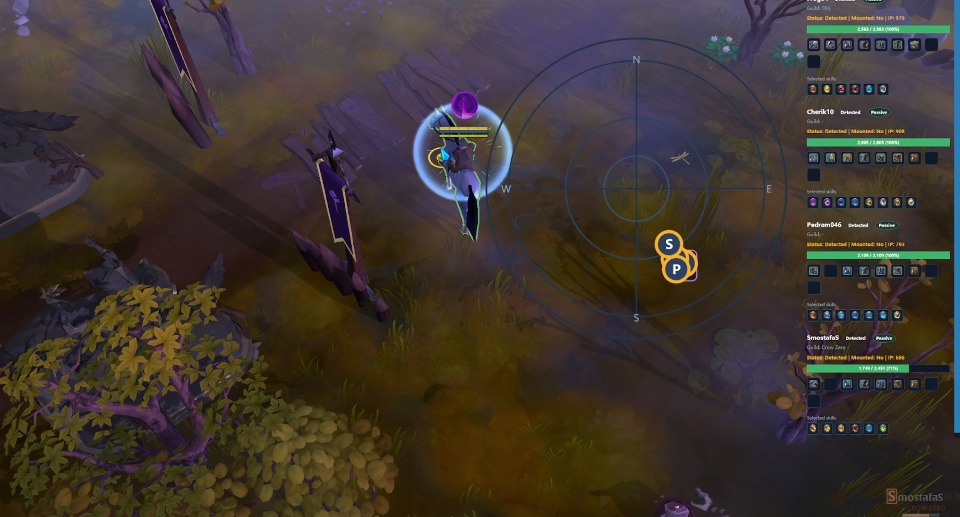
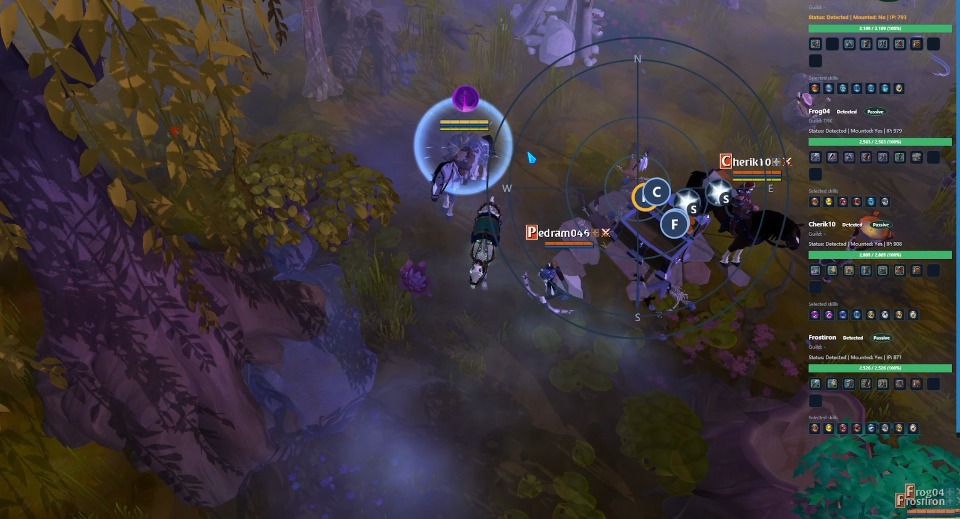
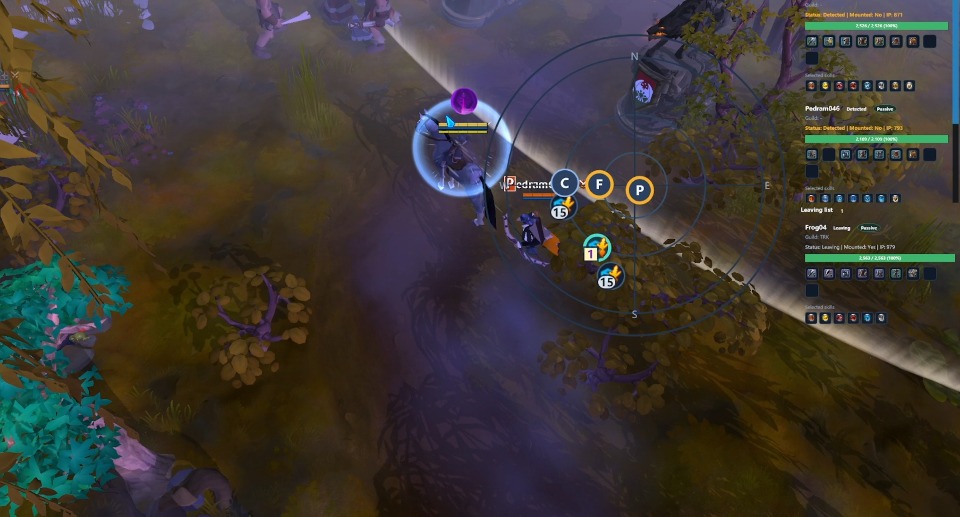
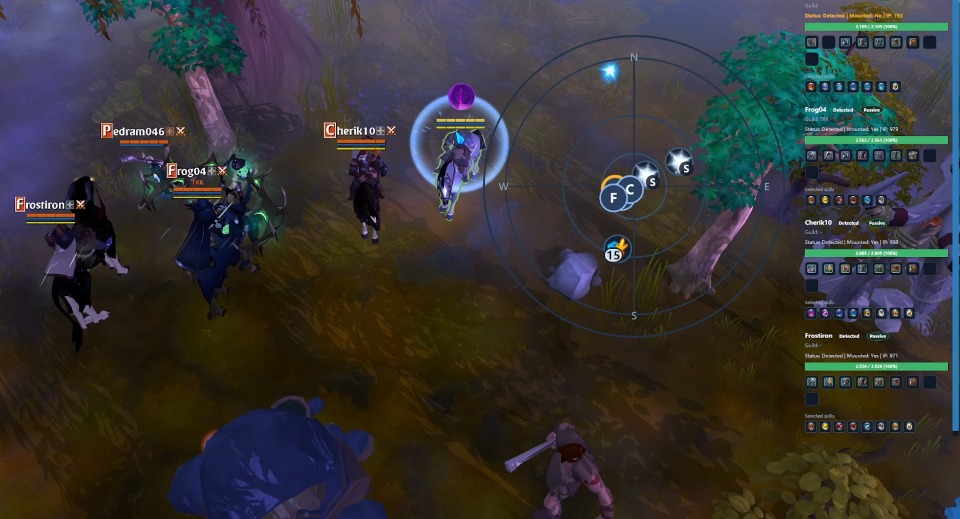
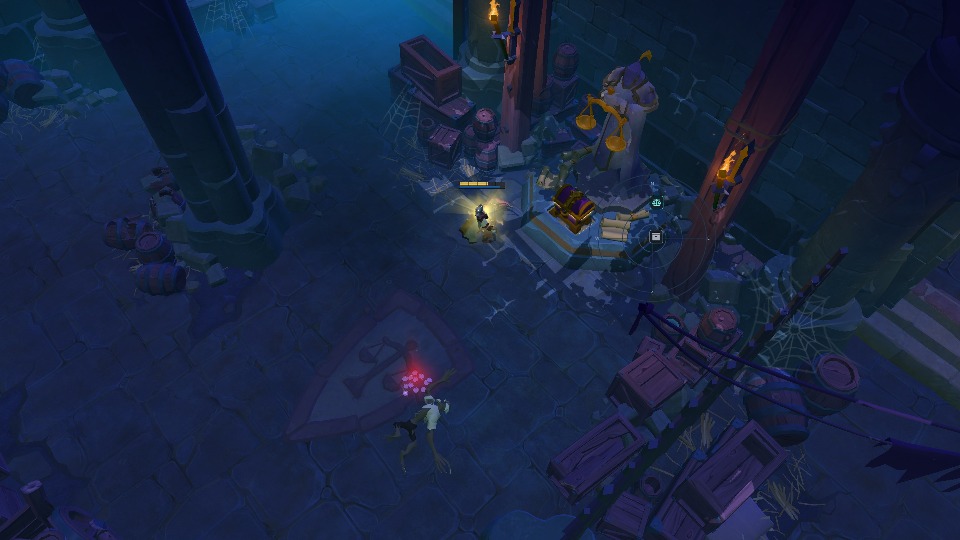
Locate entrances to the Mists and Knightfall Abbey. See whether Abbey altars offer a buff or a chest, including chest rarity, to plan your exploration route.
Reveal regular and hidden fishing spots with their remaining count. Cast and reel automatically, and detect and use bait from your inventory for a smoother fishing routine.
Guide
Start with the Windows client setup, then learn radar filters, auto fishing and auto gathering.
Select the right game folder, install Npcap, and check the launch order.
Choose resources and special targets, then set grouped audio and player alerts.
Set the mode, hotkeys and fish filters, then save your changes.
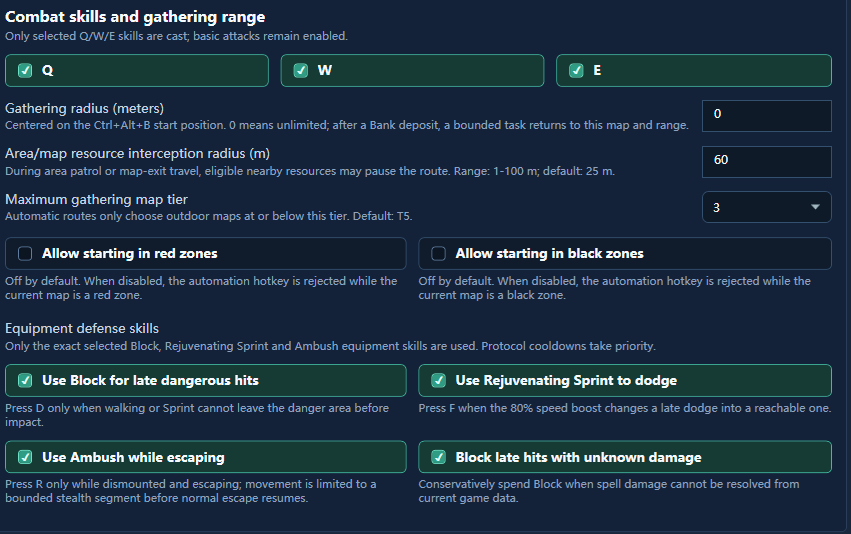
Choose gathering maps and review skill, combat and retreat settings.
Creator reward
Publish an AR TOOL video on a supported platform. Meet the like requirement and prove ownership to earn membership. Slots are limited and count only after approval and delivery.
Why choose it
Use the radar to see nearby resources and players, and set alerts for your targets. Turn on auto gathering or fishing when needed.
See nearby players in red and black zones. When an alert sounds, decide whether to mount up, retreat or change route.
Filter resources by type and tier, then follow the radar markers to gather them.
Check nearby players' gear and mounts before deciding whether to keep gathering or leave.
Choose a map, gathering area and resource types. The bot handles gathering and depositing items.
Set sounds for target resources and get alerts when players appear nearby, so you can check the radar less often.
Use cases
Upcoming updates
These features are still planned. Check release announcements for progress.
Track resource respawn times and get a reminder when they are close.
Planned: view your account, subscription status and important alerts on mobile.
Pricing
Plans of 3 months and longer are promotional and may change; final pricing is what is shown at activation.
Try 7 days for a short gathering session.
View detailsTry it for one month and renew monthly.
View detailsAbout $8.67/mo, good for steady gathering.
View detailsAbout $8.33/mo, better for long-term gathering.
View detailsAbout $7.92/mo, the lowest monthly average.
View detailsLicense Code
Buy a license code, then log in here to redeem it and start or extend your membership. Your code appears on the order page and is emailed to the address used at checkout.
If the store cannot complete payment for now, add Discord:gatheringassistant。
Refund conditions, access adjustments and appeals follow our Refund & Payment Dispute Policy and applicable rules. Legitimate refund requests do not trigger automatic bans.
Refund & payment dispute policyCheck your weekly, monthly, quarterly, half-year, or yearly plan before paying. Redeeming the code extends your membership by that duration.
Save the order number and delivery email. For non-delivery, duplicate charges, or technical delivery errors, contact support with order details.
Avoid unofficial resellers, unusually cheap agents, or unknown code sources. Official codes only redeem AR TOOL subscriptions.
Safety
Using AR TOOL may lead to account penalties. Game rules and detection methods can change; past use does not guarantee future safety. Decide after understanding the risks. You are responsible for the risks to your account.
Do not share in-game information with people you do not trust or discuss third-party tools in-game or in public channels. Avoid disputes that may draw extra scrutiny, and run the tool and game on separate devices. These precautions do not guarantee account safety.
Get started
Buy a license code, then log in here to redeem it and start or extend your membership.
Get license codeAccount
After logging in, the system will redeem the code to the current account. Create an account first if needed.